Metal Mansion
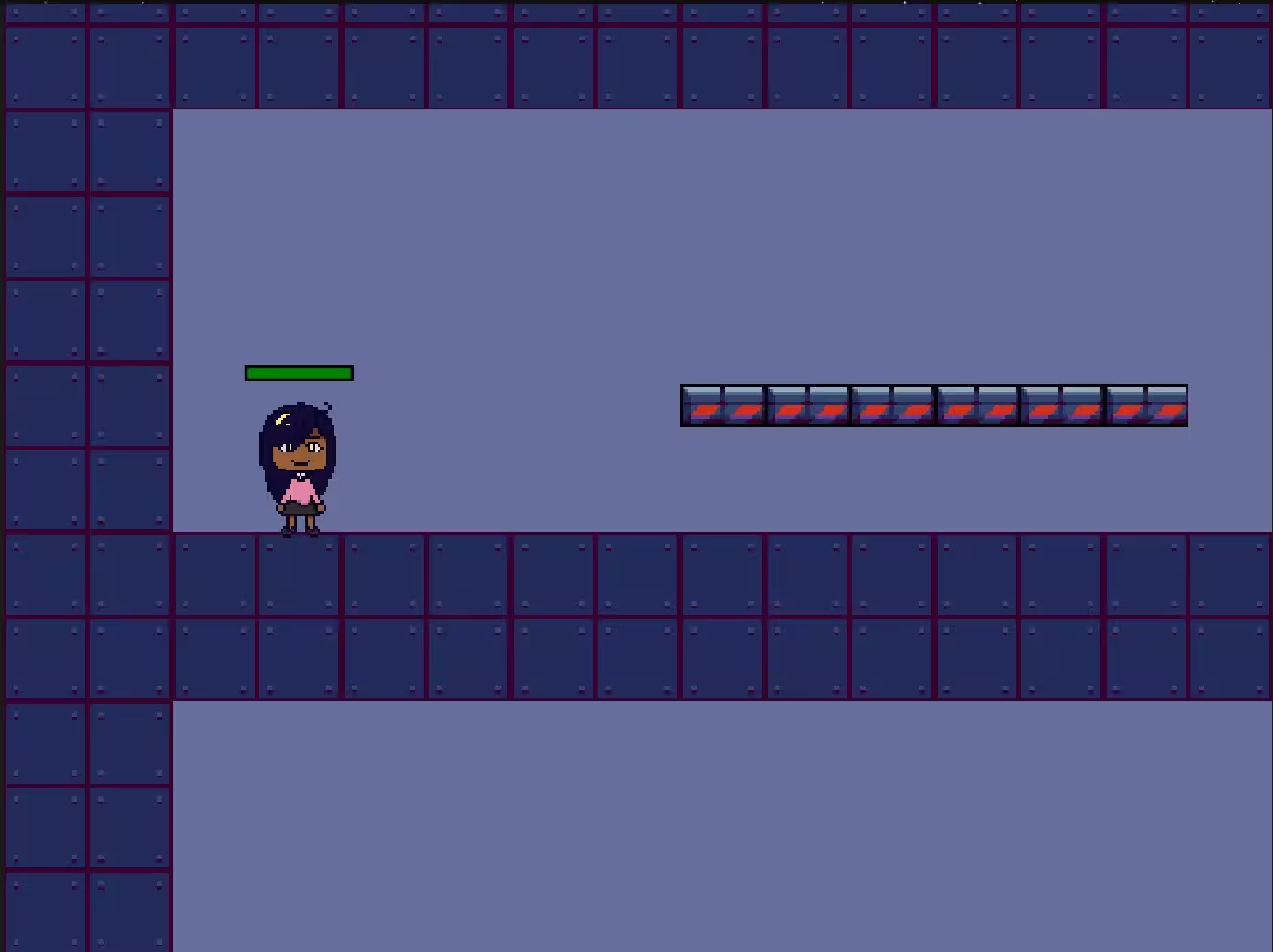
Metal Mansion is a web-based, run-and-gun platformer based on classic games like Mega Man. Players can choose between two characters with distinct play styles and maps to navigate.
Type: University Project | Grade: 78% | Technologies: p5.js, p5.play, HTML, CSS, JavaScript, Object-Oriented Programming
Executive Summary
Metal Mansion demonstrates a strong understanding of object-oriented programming, project management and organisational skills with a basic ECS implementation. Though the project is small in scope, it implements key features of similar arcade games, including:
- Characters with different play styles:
- You can play as a fast, heavy-hitter who takes a lot of damage in turn
- Or a slower, less powerful character who takes less damage
- Different maps to match the character you select
- Dynamic elements, including treadmills on one map
- Multiple enemies with unique movesets
Key Takeaways
- Breaking a project down using patterns like the Entity Component System is essential for keeping the project comprehensive and manageable.
- Using object-oriented programming techniques can help make code easier to understand and implement.
Purpose and Goal
This project was created for the second semester of the Introduction to Creative Coding module of the BSc. (Hons) Digital Media course at The University of the West of England. The task was to create an audio-visual interactive experience, so I opted to fulfil this by creating a short video game.
A requirement of this project was to use the p5.js library, which I extended with the p5.play library to support the creation of gameplay features like movement, the player camera and map creation.
Lessons Learned
Navigating Technical Challenges
The main technical challenges of this project involved transitioning between levels and collision between the player and enemies.
To handle scene transitions, ultimately, a global variable was declared which could be updated to a new instance of a level. P5.js' draw() function is used to draw the level using its own level.draw() method.
In terms of collisions, there was an issue where collisions created using the p5.play library would stop working when replaying the game. The underlying issue causing this is unclear, so I created a custom collision detection utility to resolve this issue. It works by checking if two sprites are overlapping using p5.js' dist() function.